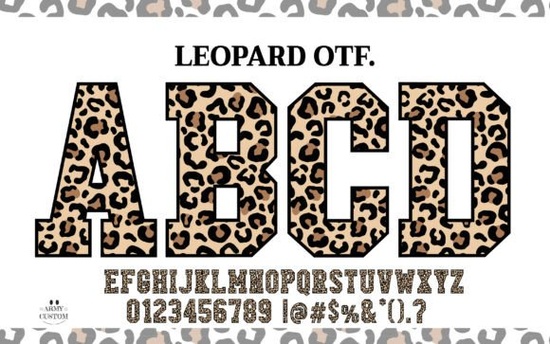
If you're looking for a font that stands out without trying too hard something bold but not overwhelming, playful but still professional the Leopard Varsity Font fits right in. It’s not just another script or sans-serif; it’s a color font built around the organic, asymmetrical beauty of leopard spots, with a varsity-style structure that gives it rhythm and readability. Whether you’re designing a t-shirt for a school spirit day, a sticker for your small-batch shop, or a custom invitation for a wild-themed birthday, this font brings texture and personality in a single click.
What makes Leopard Varsity Alphabet different from other color fonts?
Most color fonts rely on gradients, outlines, or layered fills but Leopard Varsity Font uses actual spot patterns as part of the letterforms. Each uppercase and lowercase glyph includes subtle, hand-placed “spots” that vary in size and density, mimicking how light hits a real leopard’s coat. That means no two letters look exactly alike and yet they work together as a cohesive family. The black version is especially practical: it’s fully compatible with Cricut Design Space, Silhouette Studio, and other cutting machines, so you can cut vinyl, iron-on, or paper without extra prep work.
Who actually uses this font and why?
Small business owners making back-to-school merch often reach for it when they want something more distinctive than basic block letters. Teachers love pairing it with the ABCD My Teacher Font for classroom signs or student name tags it adds energy without sacrificing clarity. Print-on-demand sellers use it for animal-themed apparel (think “Wild at Heart” hoodies or “Savage & Studious” mugs), where the contrast between soft watercolor textures and sharp varsity shapes creates visual interest. And crafters building layered SVG files appreciate that the black version imports cleanly no missing glyphs or rendering hiccups.
How does it pair with other popular fonts?
Because Leopard Varsity Alphabet has strong verticals and open counters, it balances well with softer, flowing styles. Try it above a line of Super Watercolor Font for greeting cards or social media posts where the watercolor effect echoes the organic feel of the spots. For school-related projects, it works naturally alongside the Back to School Font collection, especially when you need hierarchy: Leopard for headlines, simpler sans-serifs or handwritten styles for body text. You don’t need matching weights or families just enough contrast to guide the eye.
Is it easy to install and use?
Yes if you’ve installed fonts before, this works the same way. Download the .zip file, extract the .otf or .ttf, and double-click to install. In Cricut Design Space, it appears under “System Fonts” once installed (no need to upload separately). On Canva or Adobe apps, it shows up in your font menu after restarting the program. One thing to note: the color version requires OpenType-SVG support, so it won’t render in older software or basic word processors. But the black version? Works everywhere PDFs, Word docs, email templates, even basic cutting machine software.
Realistic things to keep in mind
- It’s not a full multilingual set it supports English, Spanish, French, German, and Portuguese accented characters, but doesn’t include Cyrillic or Asian language glyphs.
- Spacing is intentionally loose great for posters or large-format prints, but may need slight kerning adjustments for tight lines like Instagram bios or small product labels.
- No ligatures or alternate characters, so if you’re used to fonts with swashes or stylistic sets, this one keeps it simple and consistent.
If you’ve been searching for a color font that feels handmade not overly polished, not gimmicky this one lands somewhere between illustration and typography. It’s got presence, but it doesn’t shout over your message. And because it’s designed with real use cases in mind (not just aesthetics), it holds up across formats: screen, print, vinyl, and embroidery.
Before you download: Check your project’s output format first. If you need color rendering, confirm your software supports OpenType-SVG. If you’re cutting with Cricut or Silhouette, go straight for the black version it’s ready to go. And if you like the wild-but-structured vibe, you might also enjoy browsing the full Leopard Varsity Font collection for seasonal variations or companion graphics.
Try It Free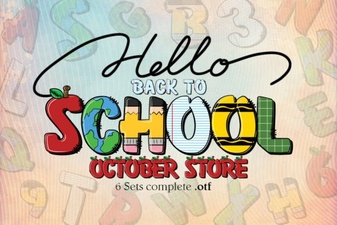 Free Back to School Font Designs & Projects
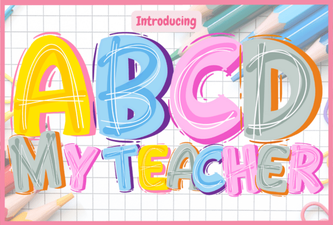 The Abcd My Teacher Font for Creative Design Projects
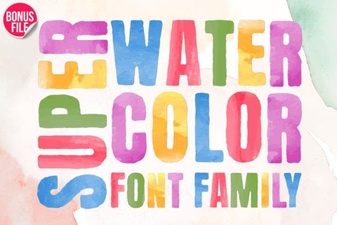 Super Watercolor Font Designs & Project Ideas
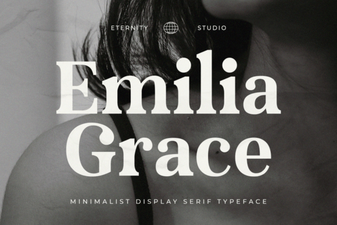 The Et Emilia Grace Font for Elegant Designs
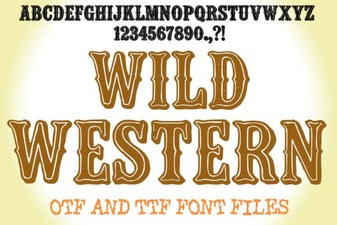 Creative Wild Western Font Design & Usage Tips
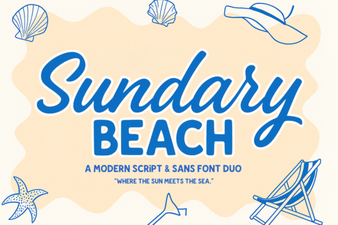 Creative Font Duo: Sundary Beach Design Kit